
Study Tools
BetaBuild legal knowledge, sharpen your exam technique and organise your SQE revision with interactive Study Tools.
These tools are currently being tested and improved for Pro users.
 Beta
BetaLearn & recall
Flashcards
Build active recall with focused flashcards across SQE topics and subtopics.

 Beta
BetaPractise & apply
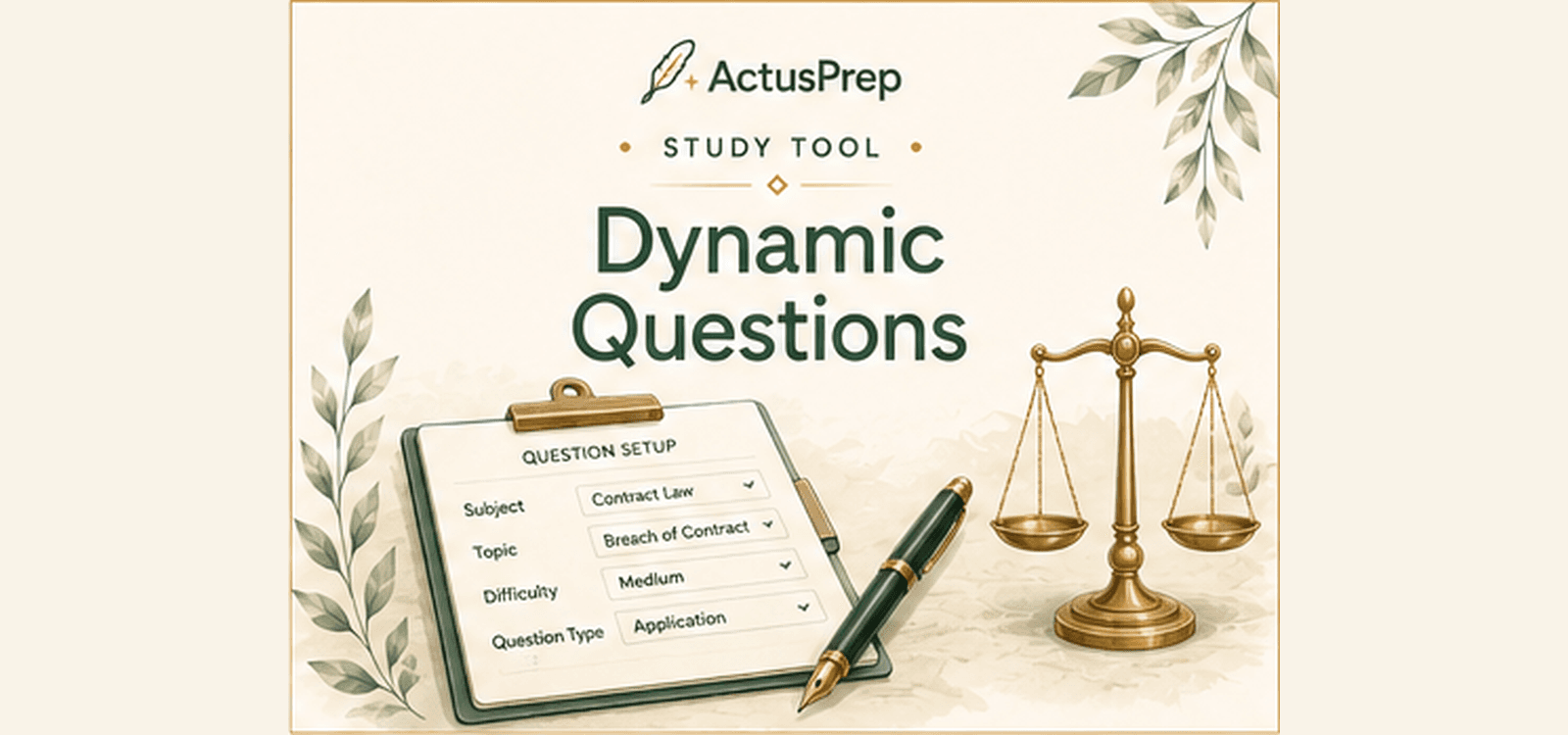
Dynamic Questions
Create targeted question drills based on the areas you want to practise.
 Beta
BetaLearn & recall
Legal Term Lookup
Find clear, concise explanations of unfamiliar legal terms.
 Beta
BetaPractise & apply
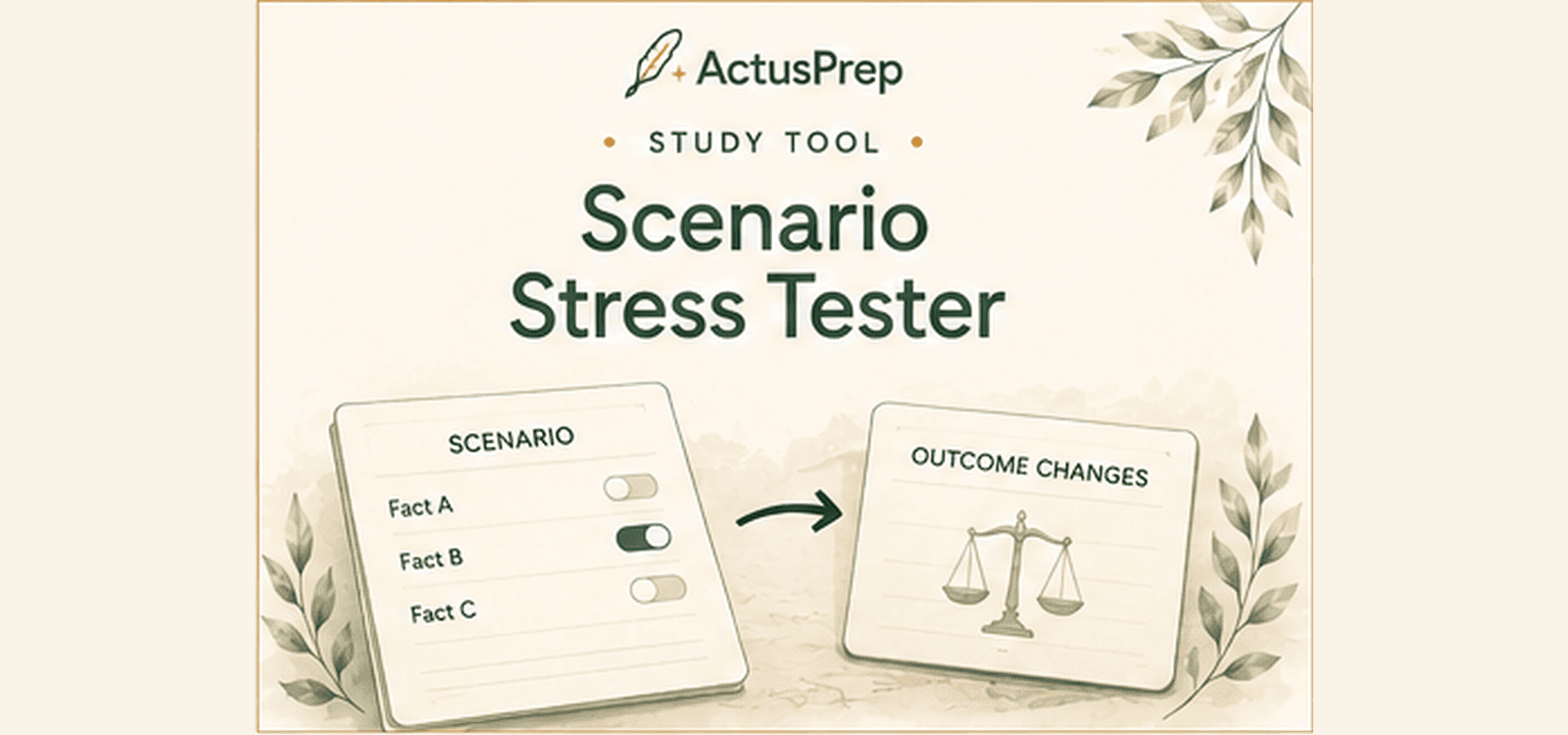
Scenario Stress Tester
Test how legal outcomes change when important facts in a scenario are altered.
 Beta
BetaPractise & apply
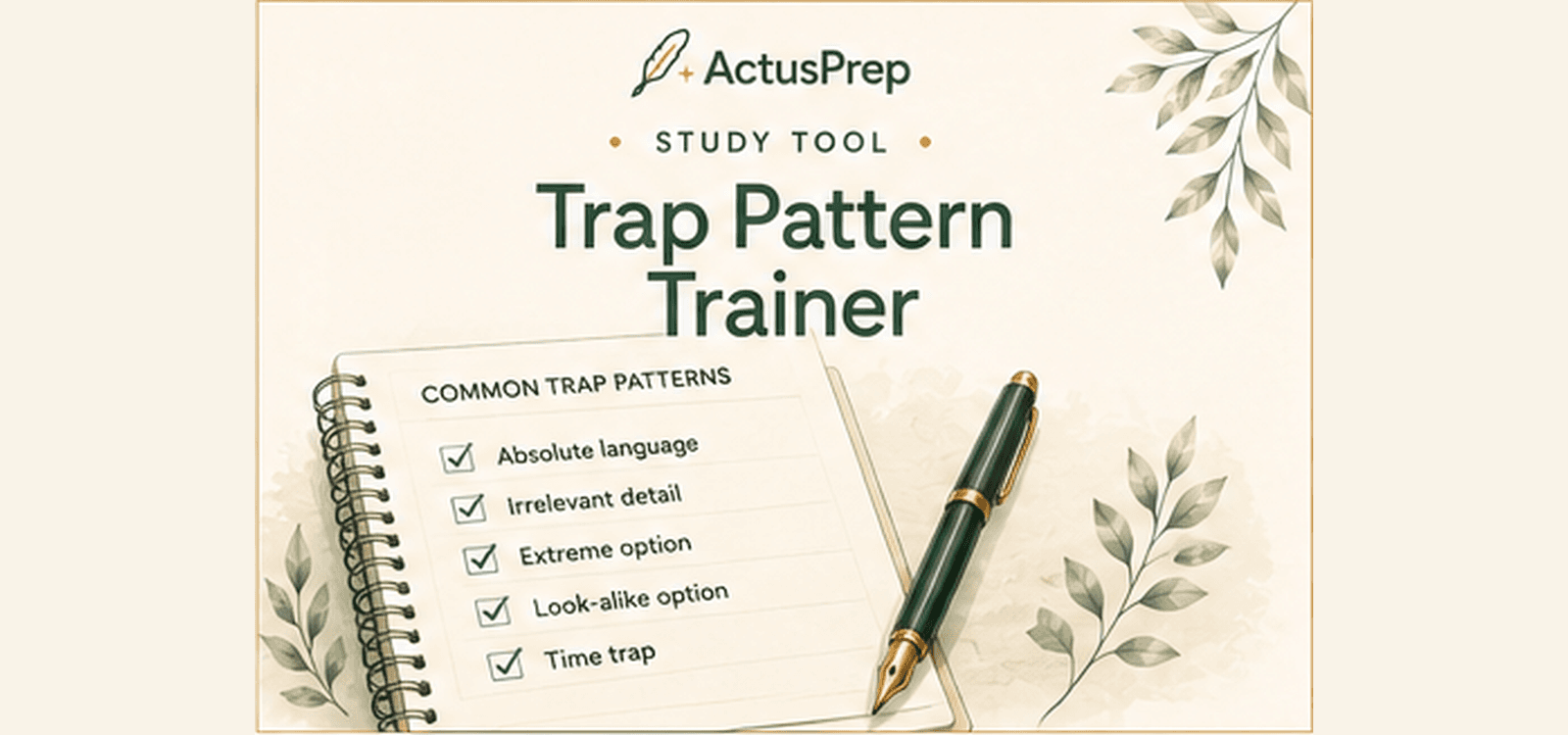
Trap Pattern Trainer
Learn to recognise recurring distractor patterns used in SBA questions.
 Beta
BetaPractise & apply
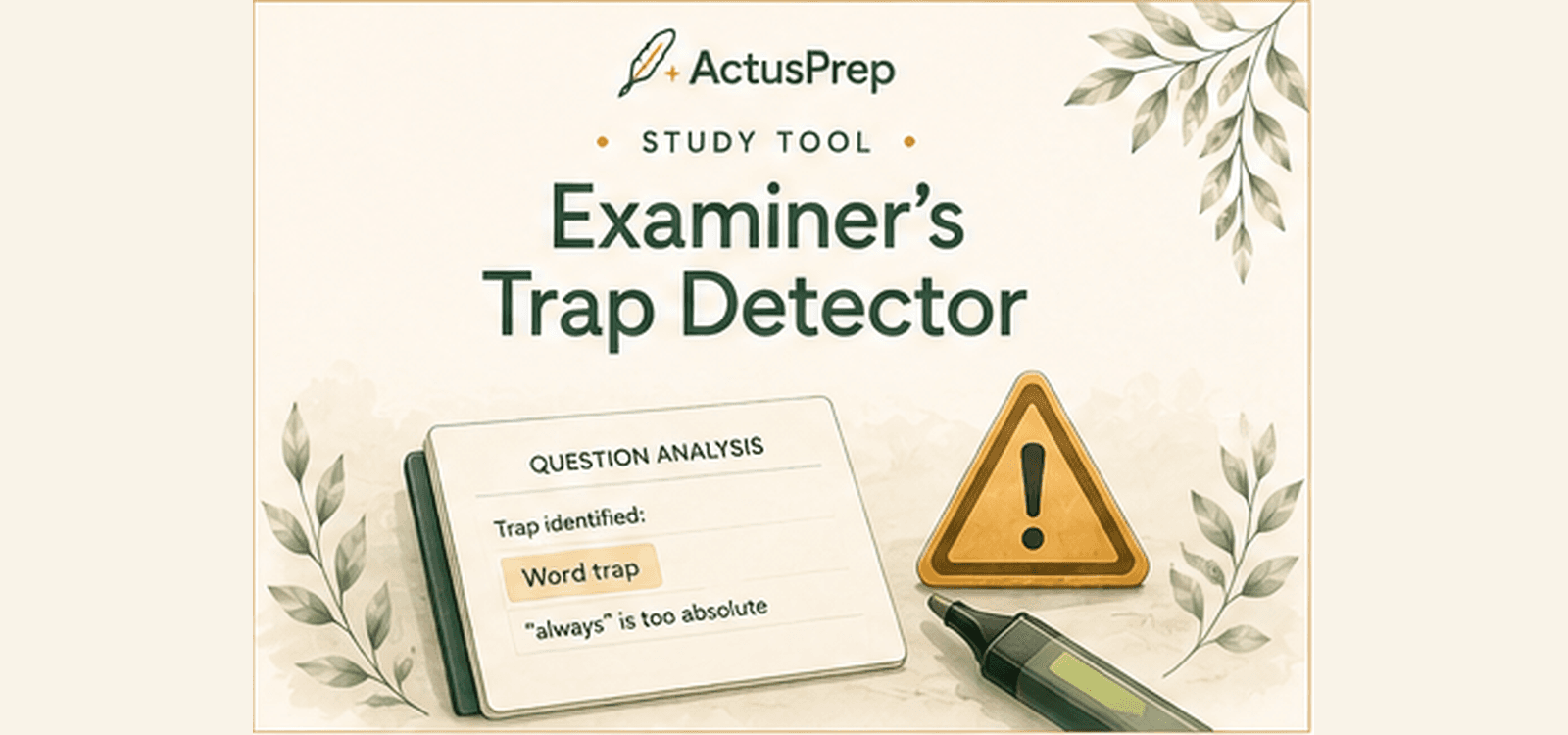
Examiner’s Trap Detector
Identify wording and reasoning traps that can lead you towards the wrong answer.
 Beta
BetaLearn & recall
Rapid Serial Speed Visualiser
Practise processing question text rapidly while maintaining comprehension.
 Beta
BetaPlan & track
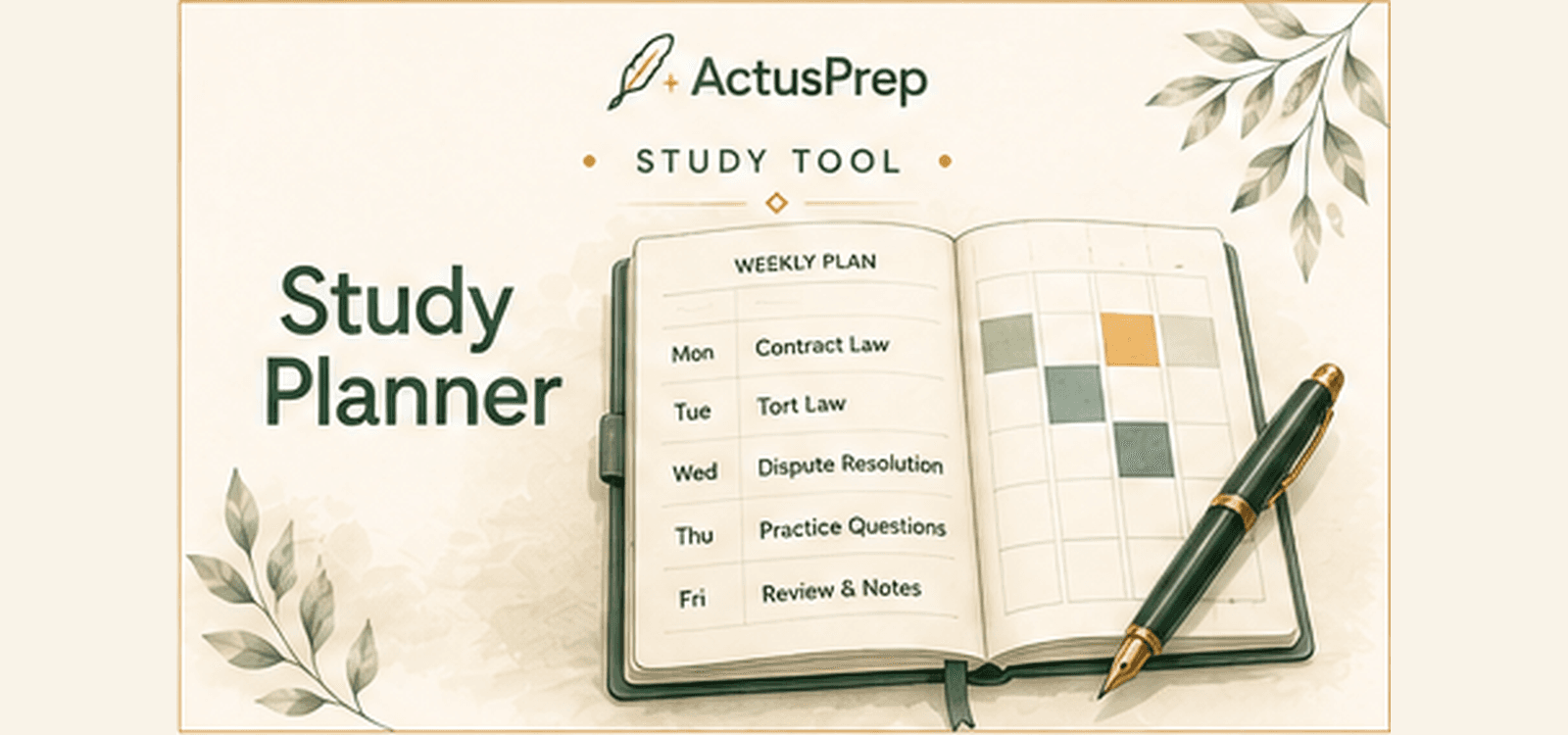
Study Planner
Build a structured revision plan around your subjects, availability and exam date.
 Beta
BetaPlan & track
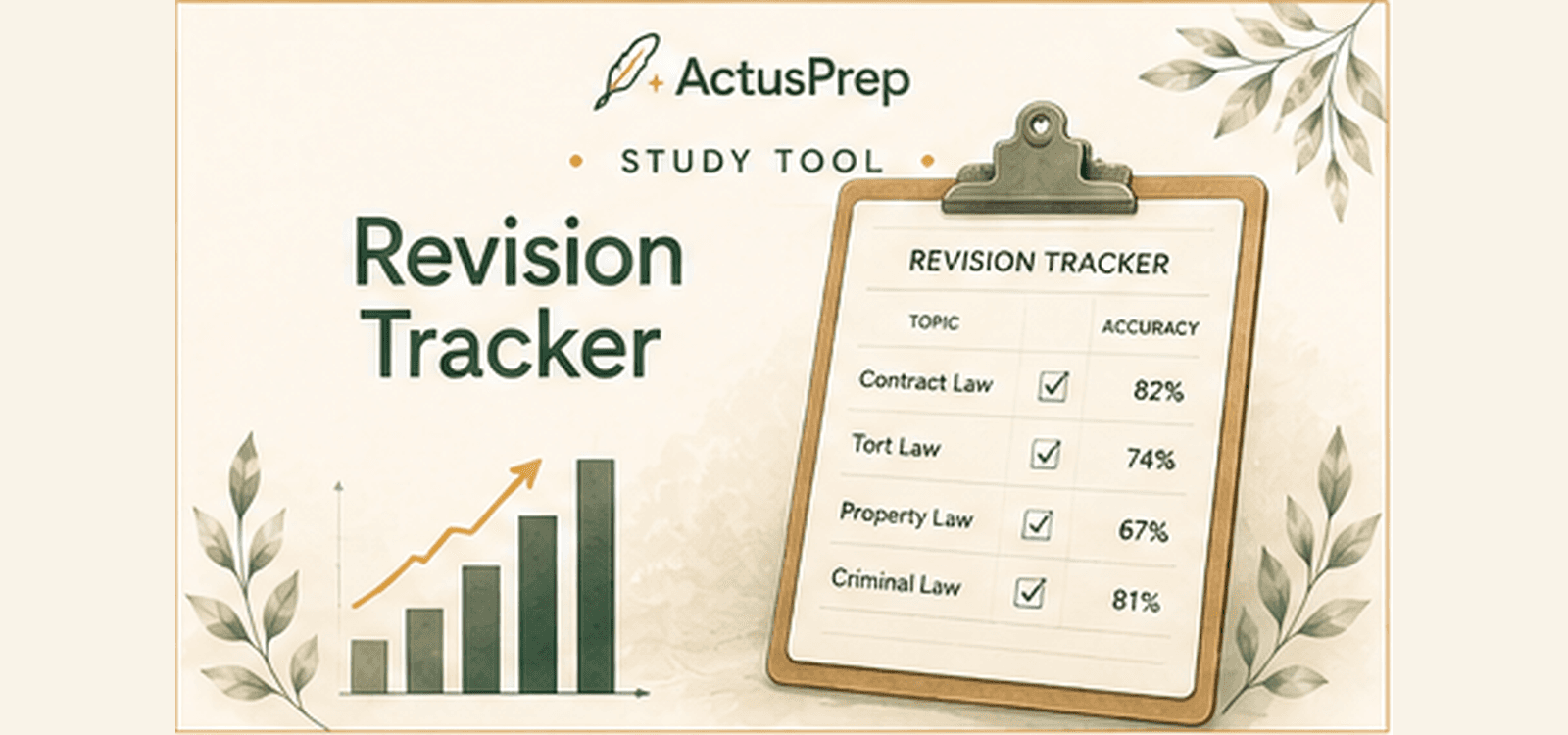
Revision Tracker
Record your revision activity and monitor progress across the SQE syllabus.
 Beta
BetaPlan & track
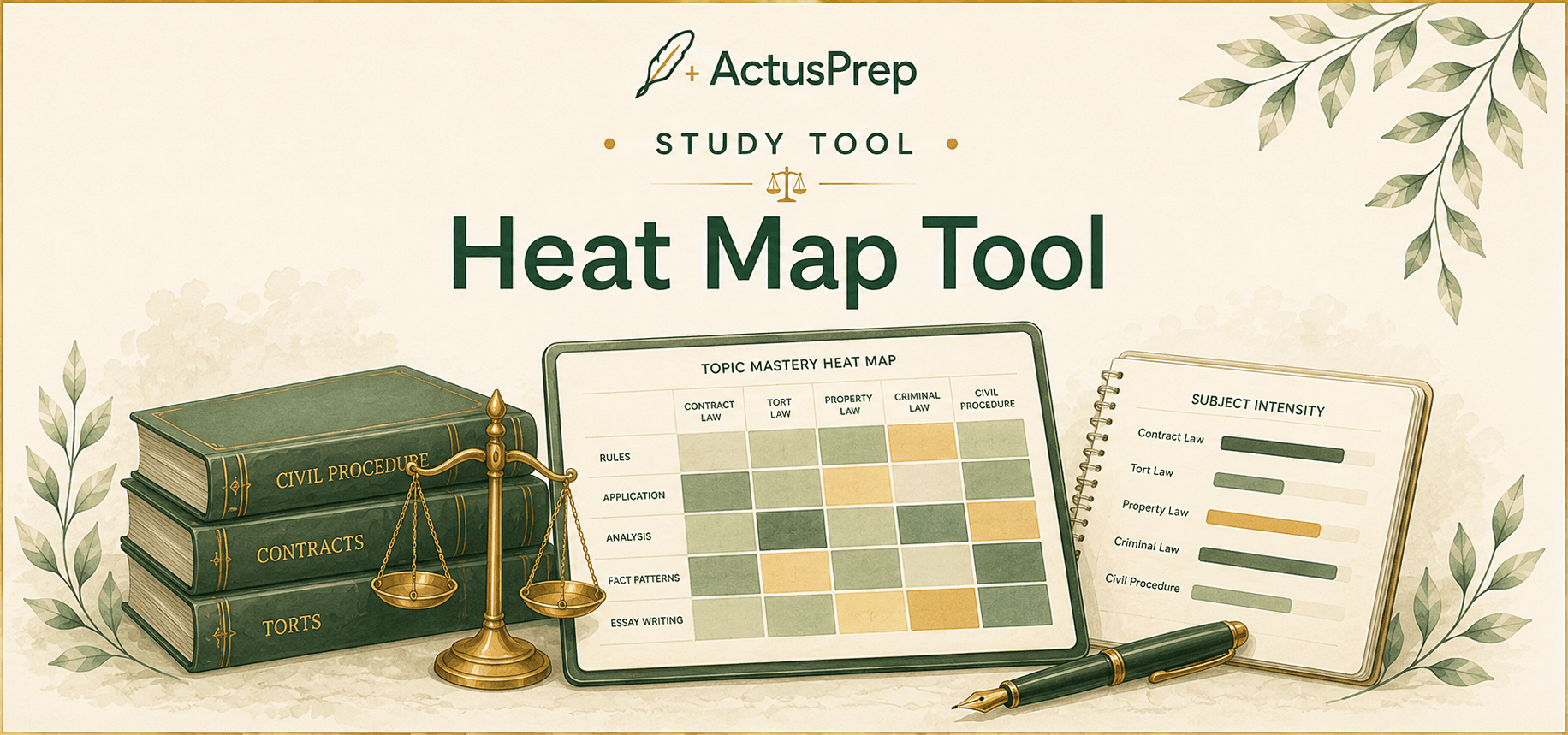
Study Heat Map
See when your Practice Mode and Exam Mode performance is strongest across the week.
 Beta
BetaPlan & track
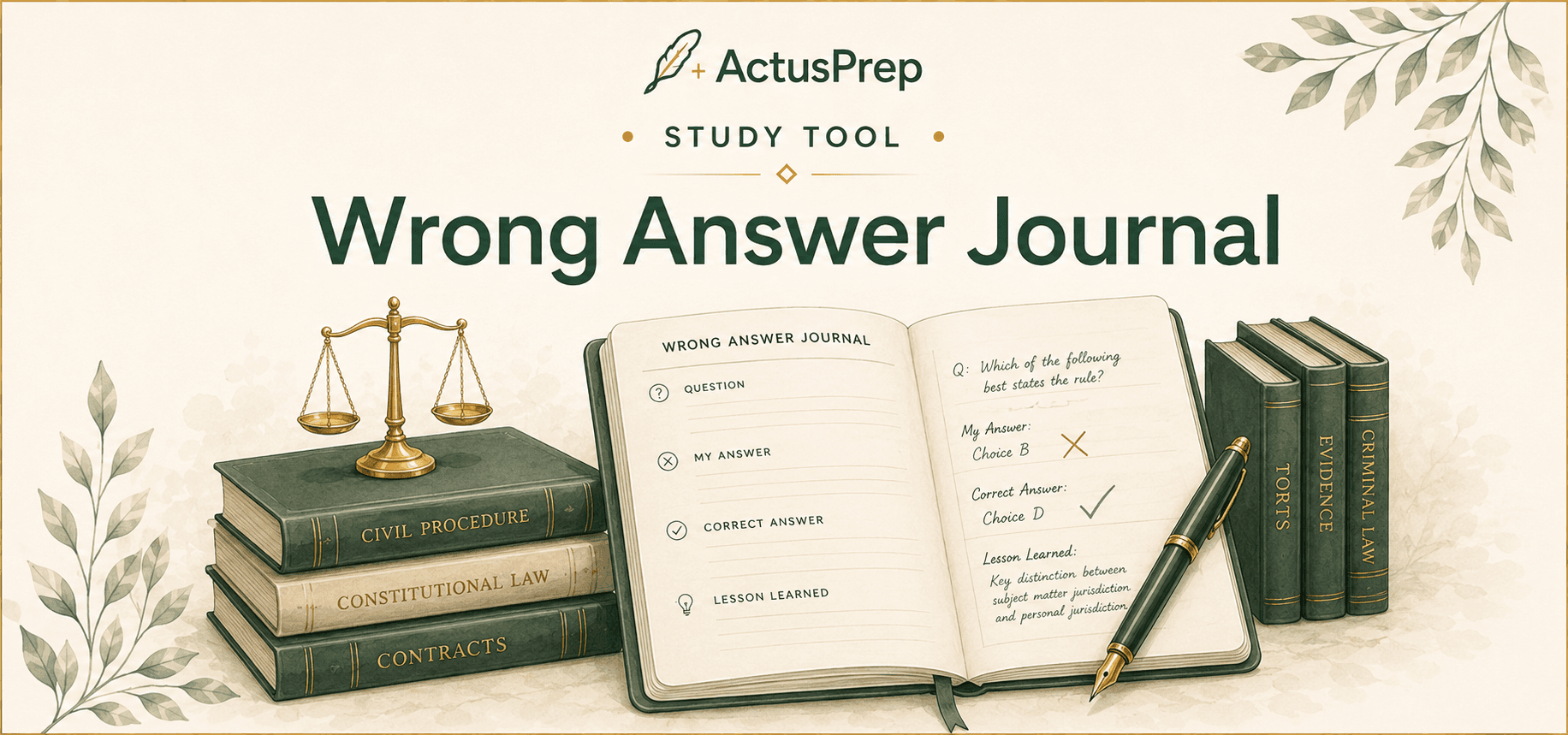
Wrong Answer Journal
Review recurring mistakes, record personal notes and track questions through to mastery.
 Beta
BetaPractise & apply
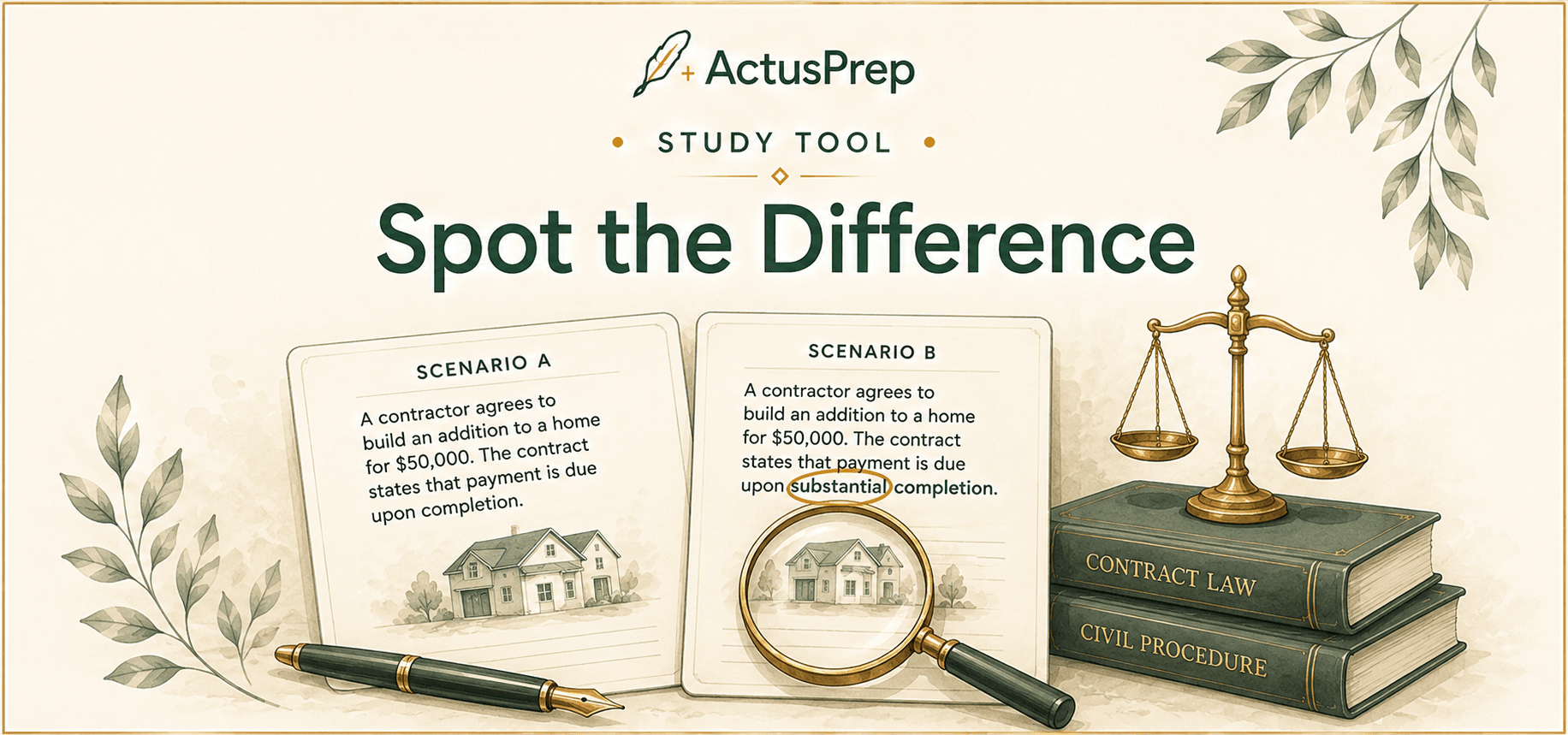
Spot the Difference
Compare near-identical legal scenarios and identify the fact that changes the outcome.
Study workflow
How to use Study Tools with ActusPrep
Start with the relevant Study Guide chapter to refresh the rule, procedure or framework before you practise.
Use Practice Mode and your Study Tools to turn weak topics, traps and missed questions into targeted revision tasks.
Move into Exam Mode when you want timed conditions, then return to Study Tools to review the patterns that need more work.